MXR® STUDIO COMPRESSOR
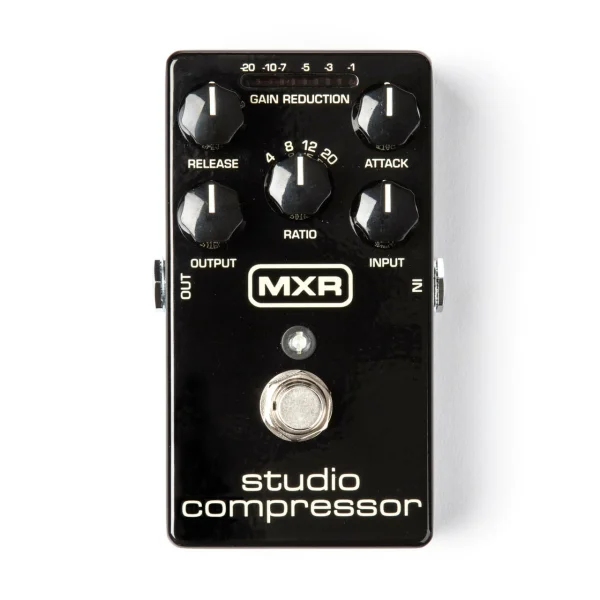
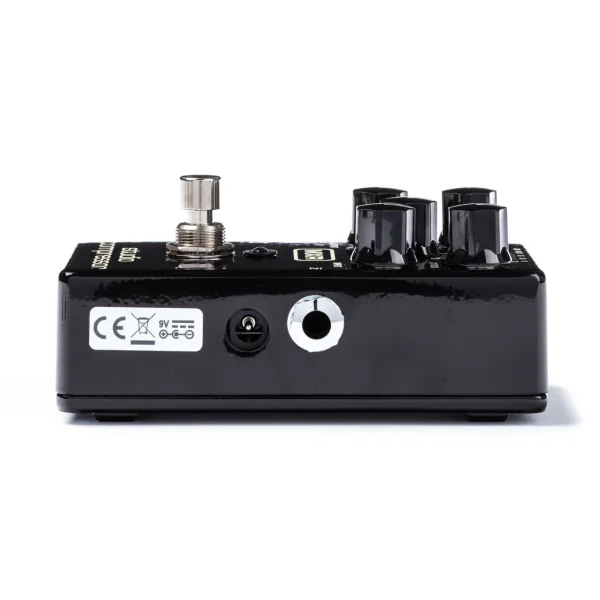
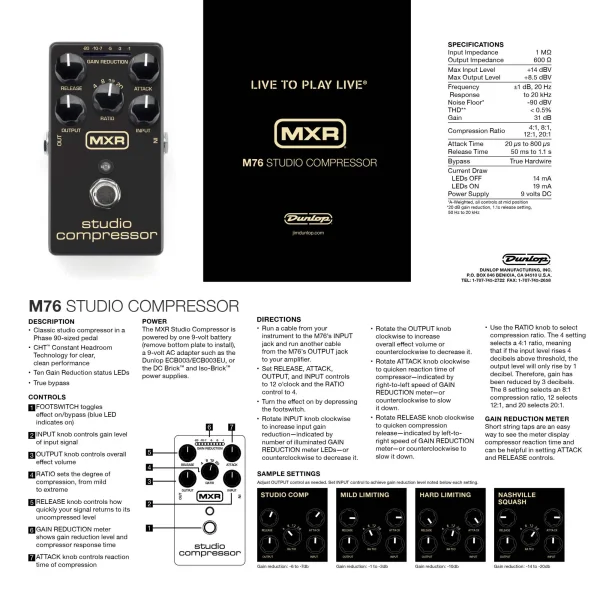
The MXR design team took a classic recording studio fixture and stuffed it into a pedalboard-friendly box. The Studio Compressor features Attack, Release, Ratio, Input, and Output controls so you can fine-tune your compression level—from subtle to squashing—right on stage with visual feedback from a bright LED gain-reduction status meter. Constant Headroom Technology provides tons of headroom for clear, transparent performance that’s as dynamic as you need it to be. It’s all packed into a durable, lightweight aluminum-housing that’s the size of a Phase 90. This pedal can be powered by a 9-volt battery, a Dunlop ECB003 9-volt adapter, or the DC Brick™, Iso-Brick™, and Mini Iso-Brick™ power supplies (not included).
- Recording-quality compression with Constant Headroom Technology™ and true bypass switching for clear, clean performance
- Ten Gain-Reduction Status LEDs
- Input, Output, Ratio, Release, Attack controls & Gain Reduction meter
- Input : Controls gain level of input signal
- Output : Controls overall effect volume
- Ratio : Sets the degree of compression, from mild 4 (4:1) to extreme 20 (20:1)
- Release : Controls how quickly your signal returns to its uncompressed level
- Attack :Controls reaction time of compression
- Gain Reduction Meter : Shows gain reduction level and compressor response time
DIRECTIONS
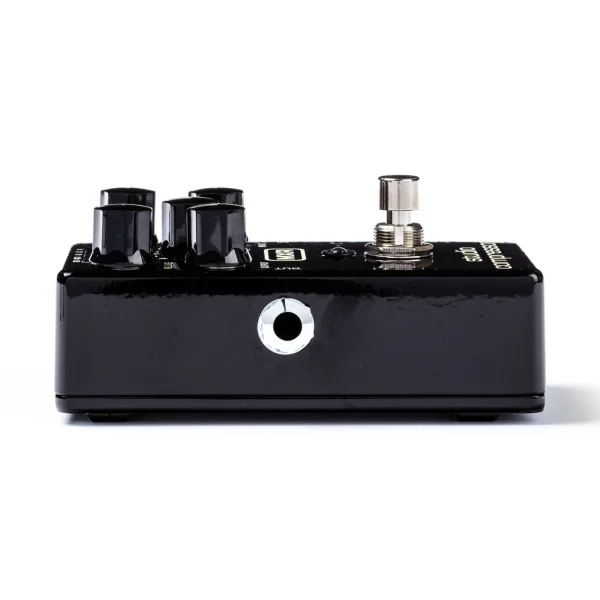
- Run a cable from your instrument to the M76’s INPUT jack and run another cable from the M76’s OUTPUT jack to your amplifier.
- Set RELEASE, ATTACK, OUTPUT, and INPUT controls to 12 o’clock and the RATIO control to 4.
- Turn the effect on by depressing the footswitch.
- Rotate INPUT knob clockwise to increase input gain reduction—indicated by number of illuminated GAIN REDUCTION meter LEDs—or counterclockwise to decrease it.
- Rotate the OUTPUT knob clockwise to increase overall effect volume or counterclockwise to decrease it.
- Rotate ATTACK knob clockwise to quicken reaction time of compressor—indicated by right-to-left speed of GAIN REDUCTION meter—or counterclockwise to slow it down.
- Rotate RELEASE knob clockwise to quicken compression release—indicated by left-toright speed of GAIN REDUCTION meter—or counterclockwise to slow it down.
- Use the RATIO knob to select compression ratio. The 4 setting selects a 4:1 ratio, meaning that if the input level rises 4 decibels above threshold, the output level will only rise by 1 decibel. Therefore, gain has been reduced by 3 decibels. The 8 setting selects an 8:1 compression ratio, 12 selects 12:1, and 20 selects 20:1.